08 iPhone · iOS 17
Strong Enough
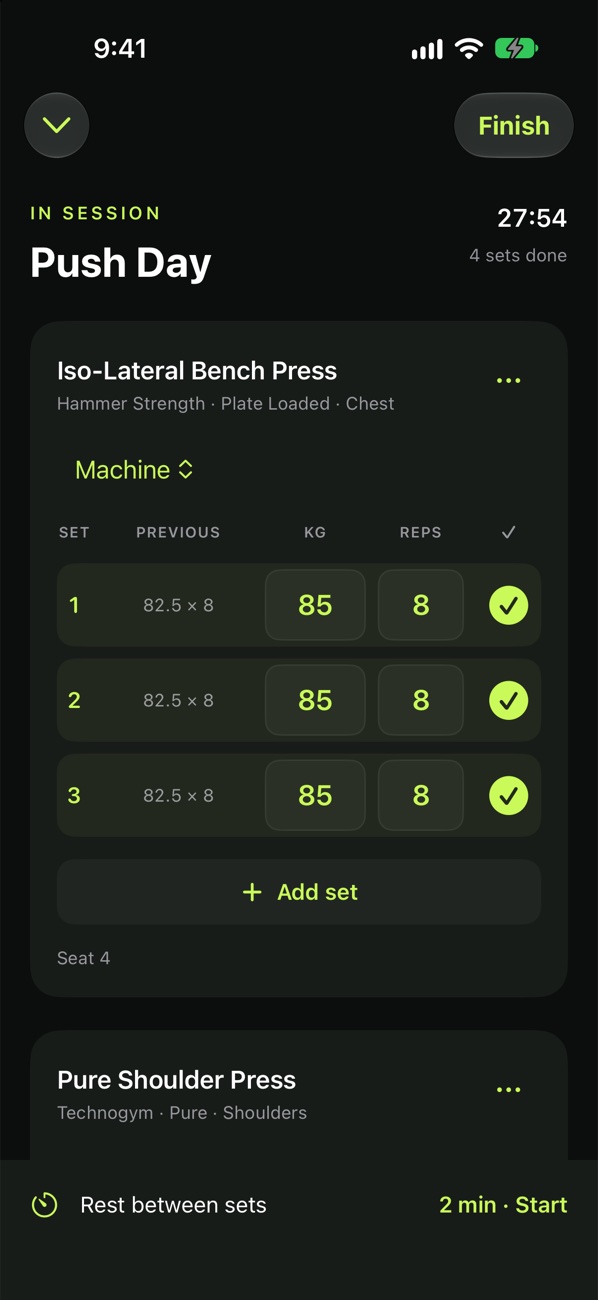
A workout log without the bloat. Log your sets, rest between them and see how you're progressing, all offline.
Preparing
Freeboot of: Strong
Kept
- Set logging
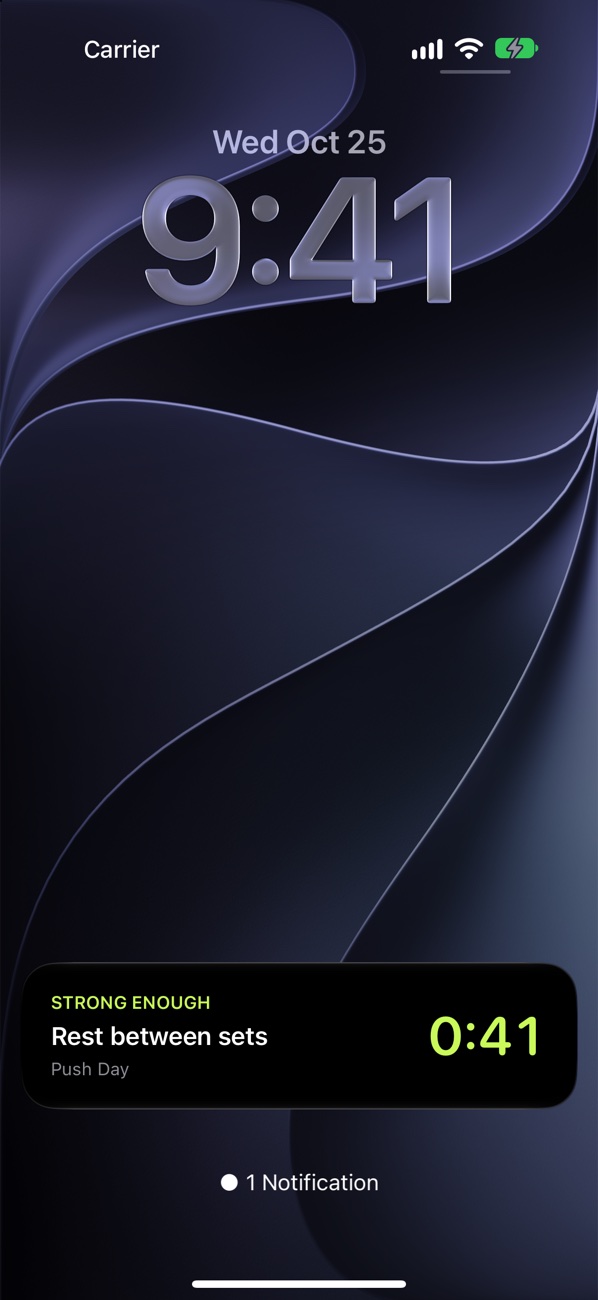
- Rest timer
- Routines
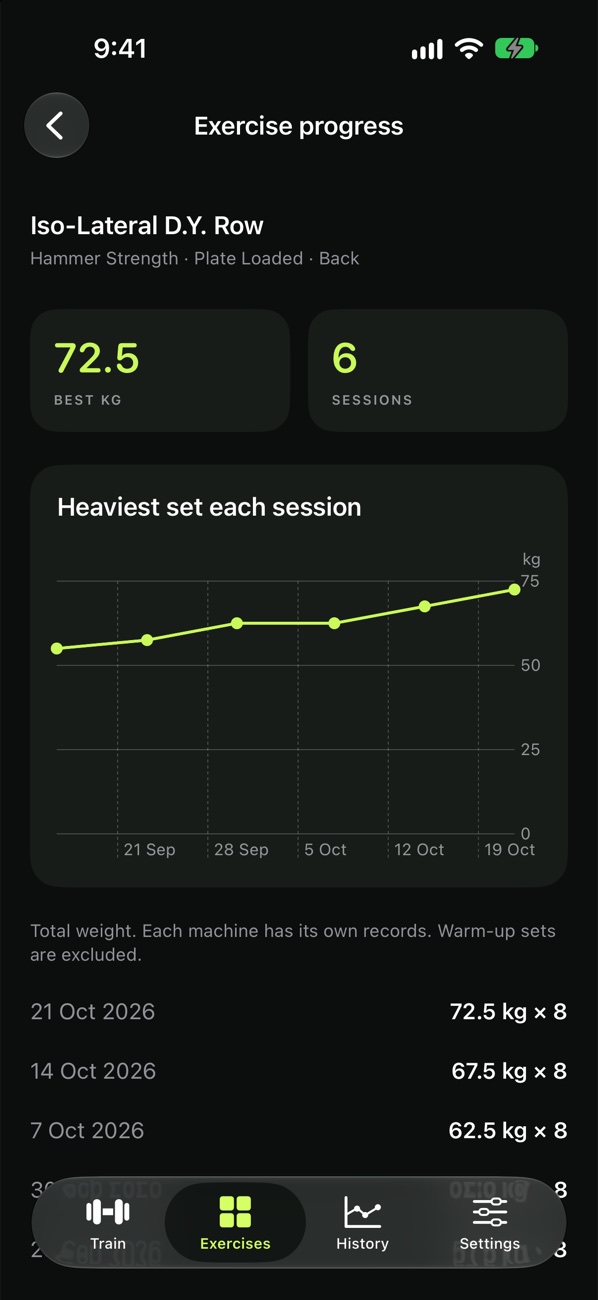
- History and progress
- Your Strong history, via its CSV export
Cut
- Account
- Ads
- Subscription
- The internet
Spec
- Runs on
- iPhone
- Requires
- iOS 17
- Exercises
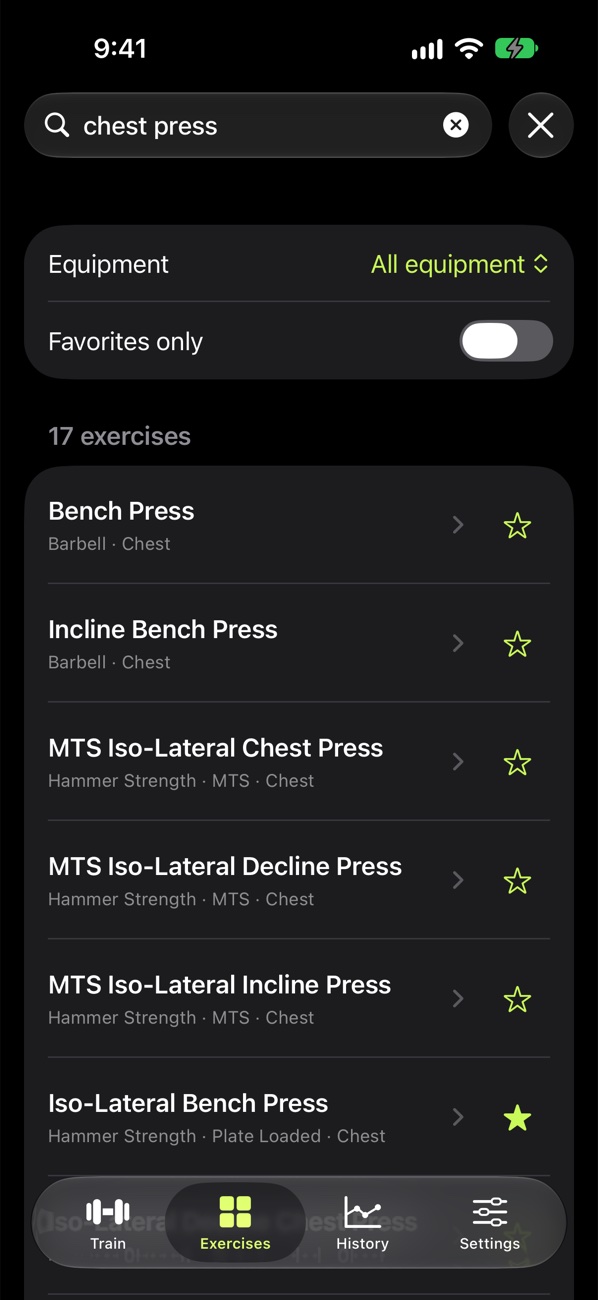
- 178, including specific gym machines, plus your own
- Network
- None. It never connects to the internet.
- Stores
- One file in the app's private storage. Backups are one file you export yourself, to Files or iCloud Drive.
- Permissions
- Notifications and Live Activities, for the rest timer
- Icons
- Five, picked in Settings. Eight accent colours or your own.
- Build
- Native SwiftUI, no third-party code · 11 Swift files, about 1,800 lines
- Status
- Preparing
Bring your Strong history
- In Strong, go to Settings → Export Strong Data and save the CSV to Files.
- In Strong Enough, go to Settings → Import Strong CSV and choose that file.
- Strong's export doesn't say whether weights are kg or lb, so pick the unit you used. Review the preview before anything is saved.
Notes, RPE and timed sets come along. Importing the same file again skips workouts that are already there.
Strong Enough isn't made by or affiliated with the makers of Strong. Machine names identify equipment only; no manufacturer images, instructional copy or affiliation are included.