07 Mac menu bar · macOS 14
ShuttlerMicro
A tiny menu-bar app for the Contour ShuttleXpress. It reads the device straight over USB and sends keystrokes to whatever app is in front.
Preparing
Freeboot of: Contour's own ShuttleXpress software
Kept
- A profile for each app, picked the moment you switch to it
- Shuttle zones that work like Contour's
- Any keys you like on every control
Cut
- The driver
- Contour's background service
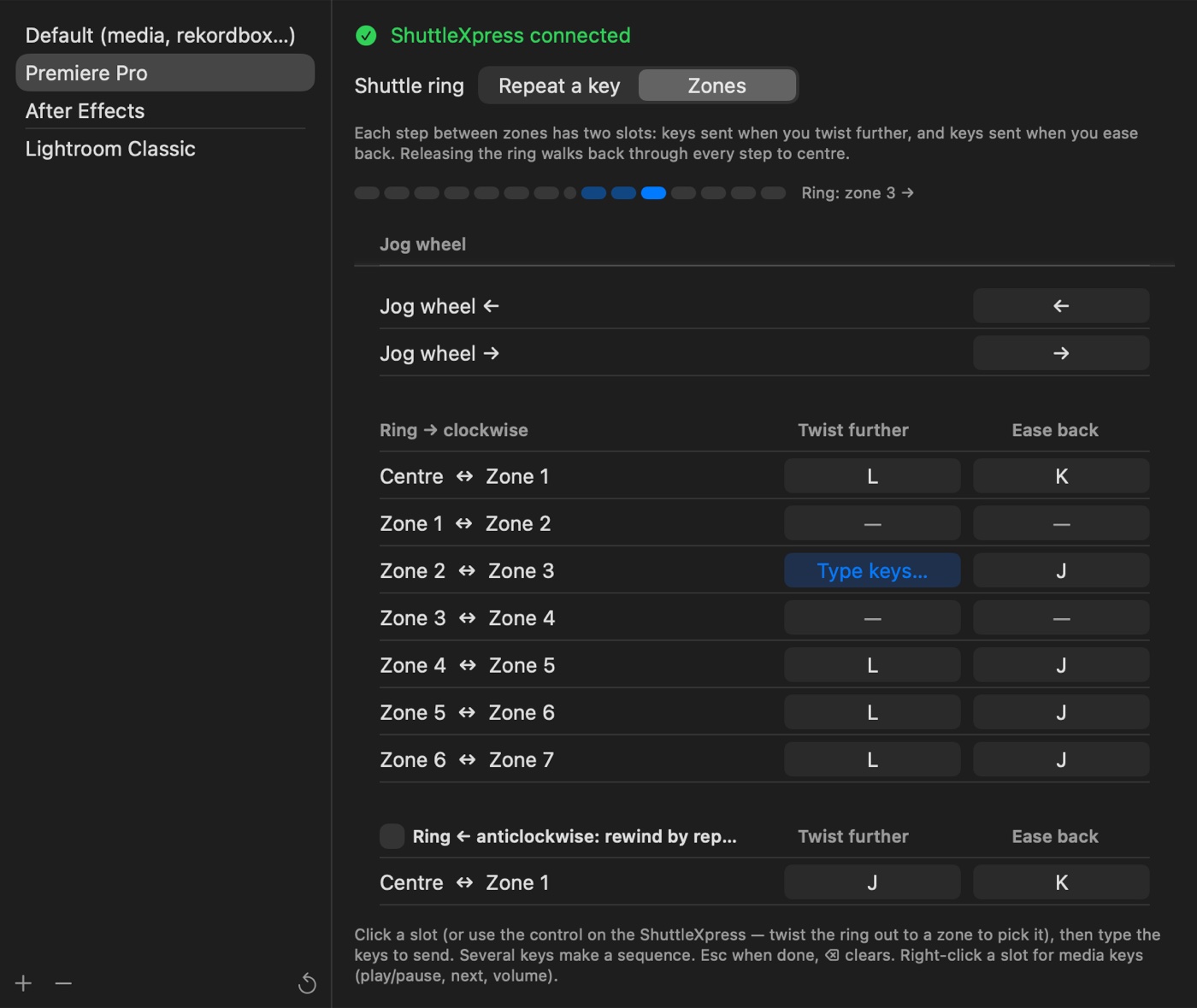
−7−6−5−4−3−2−10+1+2+3+4+5+6+7
← twist furthertwist further →
ease back →← ease back
Spec
- Runs on
- Mac menu bar
- Requires
- macOS 14 · Apple silicon · a Contour ShuttleXpress (USB)
- Network
- None
- Stores
- Your profiles, in one file in Application Support
- Permissions
- Accessibility only, to send keystrokes
- Presets
- Premiere Pro, After Effects, Lightroom Classic, and a default for everything else
- Build
- 4 Swift files, about 770 lines
- Status
- Preparing
Setup
- Plug in the ShuttleXpress. There's nothing from Contour to install.
- The first time, allow ShuttlerMicro under System Settings → Privacy & Security → Accessibility, so it can send keys to your other apps.
- Start from a preset, or pick an app, press a control and type the keys.
Unofficial. ShuttlerMicro isn't made by or affiliated with Contour Design. ShuttleXpress and Contour are trademarks of their owner.