01 Mac · Apple silicon · macOS 14.2+
Your spare screens, on the beat.
A music visualizer for the spare monitors next to your decks. Glowfi listens to whatever your Mac is playing and turns it into CRT, VHS and retro-digital scenes that move with the music: oscilloscopes, spectrum analyzers, LED signs, teletext pages and synthwave sunsets, all locked to the same tempo and bar.
CH 01
The rig
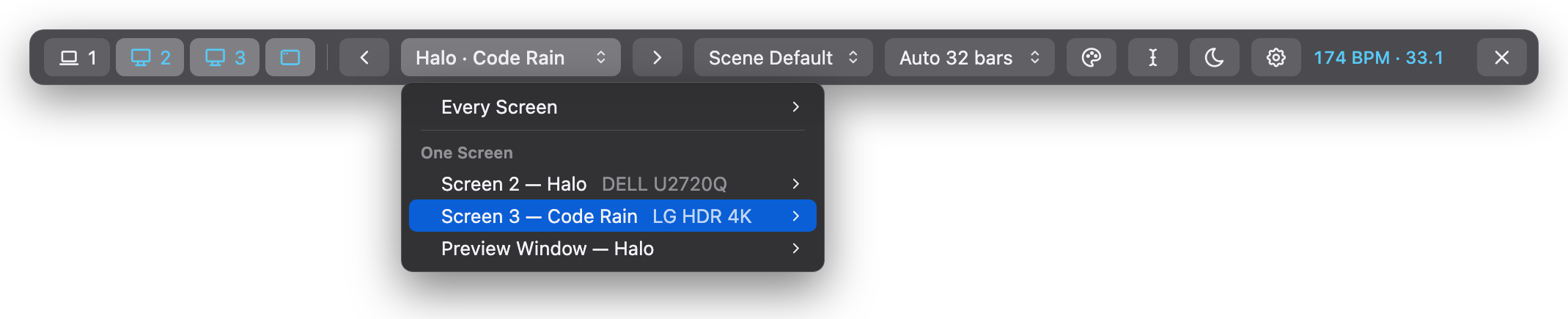 YOUR DJ APP
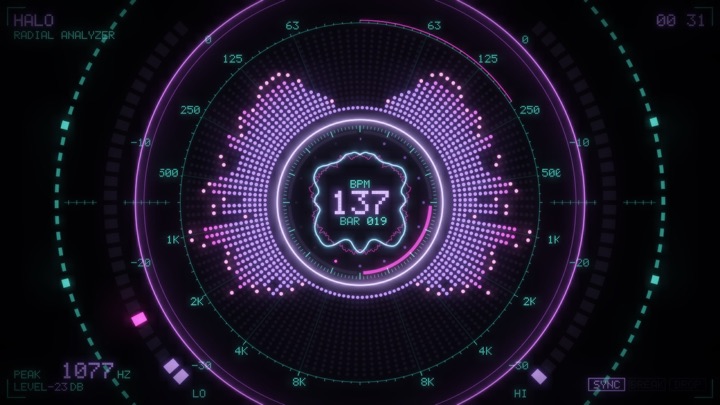
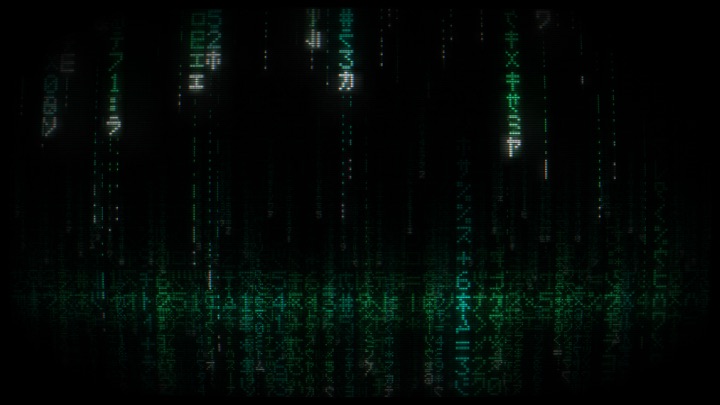
Built for gigs. Fullscreen on any monitor without ever taking focus from your DJ app, a blackout key, 12 scene transitions, and your own text on the signs.
On launch Glowfi opens a preview window and the strip, one always-on-top row of controls. Clicking it never takes focus from your DJ app, and it floats above fullscreen screens so it can never get trapped under one.
CH 02
It knows the music
Knows the music. One shared analyzer finds the BPM, the bar, beat 1 and the drop, so every screen shows the same tempo and the count carries on across scene changes. Scenes can change every 16 or 32 bars, right on the phrase, or on the drop.
No setup. It hears the Mac's own output directly: no virtual audio device, no routing, nothing to install alongside it. Players opened after launch are picked up. Or point it at an input instead: a mixer, external decks or a microphone.
CH 03
25 scenes
25 hand-made scenes and 10 filters, all drawn in Metal. Each scene costs at most ~2 ms of GPU per frame at 2560×1440 (on an M3 Max). Each screen starts on a different one; any you don't like can be switched off in Settings without being deleted.
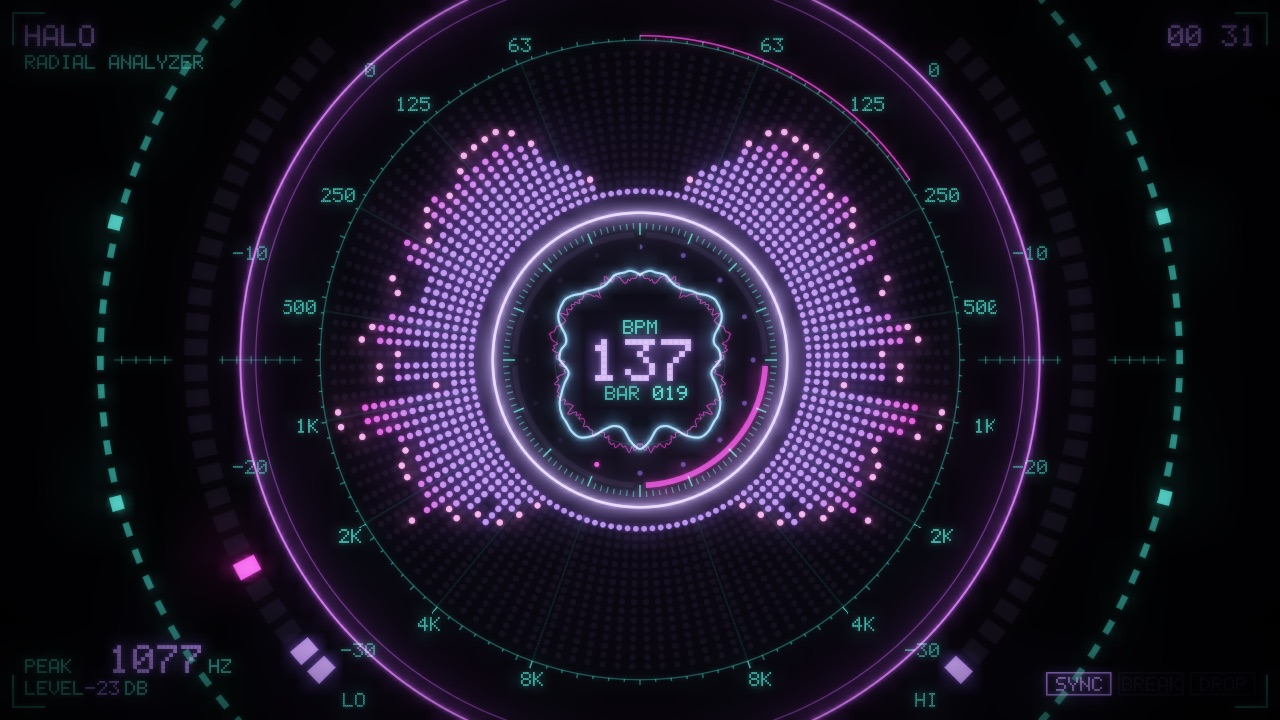
Halo: a radial spectrum analyzer
CH 04
10 filters, 12 transitions
Every scene runs through a filter: its own default, a random one per scene (Shuffle), or one you pick, for every screen or just one.
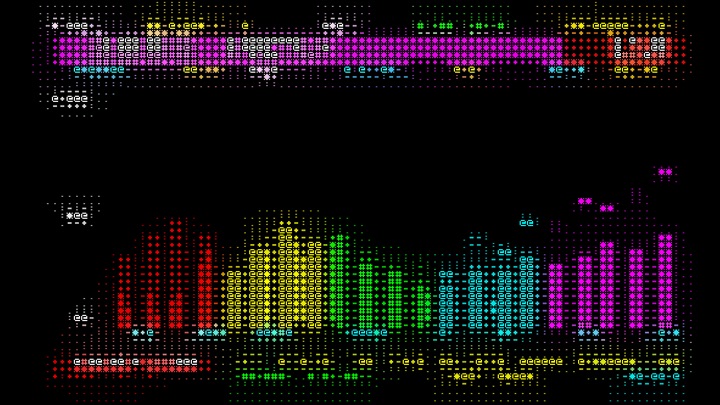
ASCII, on the Teletext scene
All 10
- Clean
- CRT
- VHS
- Terminal
- ASCII
- LED Wall
- Glitch
- Thermal
- Neon Edges
- Film
Scenes can cut, or change over 1.5 s through one of 12 transitions in the same CRT, VHS and pixel style: Crossfade, Power Off (a CRT switching off to a line and a dot, then back on), VHS Tracking, Glitch, Pixelate, Raster Wipe, Blinds, Static, Rolling (vertical hold slipping), Dither, Melt and RGB Split.
CH 05
At the gig
- Listen to
- Your Mac's own sound (the default, no setup), just what one output device plays (rekordbox's, say), or any input such as a mixer, external decks or a microphone. If that input is unplugged, Glowfi listens to the Mac's sound until it's back.
- Screens
- Numbered monitors plus the preview window. Nothing goes fullscreen by itself. If a monitor drops out, its visuals hide and come back when it does, rather than jumping onto the screen you're DJing from.
- Per screen
- Pick a scene or filter for every screen at once or for one screen, from the strip or by double-clicking or right-clicking that screen.
- Scene changes
- Every 20 s, 40 s or 2 min on the next kick, every 16 or 32 bars on the first beat of the phrase, or off. Or on the drop: the moment the kick slams back in after a breakdown.
- Scene transitions
- A cut, a random one each time, or one of the 12.
- Sign text
- Your name or the event, shown on the Marquee sign, the Teletext ticker and the VFD banner. Retype it mid-set from the strip: it goes live as you type.
- Tap tempo
- For the rare time the BPM is wrong: tap the beat four times or more, on the strip or with T. Glowfi then only fine-tunes it from the kicks, and lets go when the music stops for 2 s.
- Reopen as they were
- After a quit or a crash, the screens that were on come back on their scenes and filters, with the auto-change that was running. Off by default.
- 30 fps
- About half the GPU. The audio is still analysed 60 times a second, so beats and tempo are unchanged.
Keys act on the screen you last clicked
- →Space Next scene
- ← Previous scene
- C New colours
- F Next filter
- B Blackout: fade every screen to black, or back
- L Stop or resume auto-change
- T Tap tempo
- Return Fullscreen the preview
- Esc Turn this screen off
01-B Scene pack · in Settings
Ghostfi
Scenes come in packs, picked in Settings. Ghostfi is the Halloween pack: 17 scenes, with its own Dock icon. Switching is live: every screen moves to the new pack, and each pack remembers its own start scene and unticked scenes. Packs don't mix.
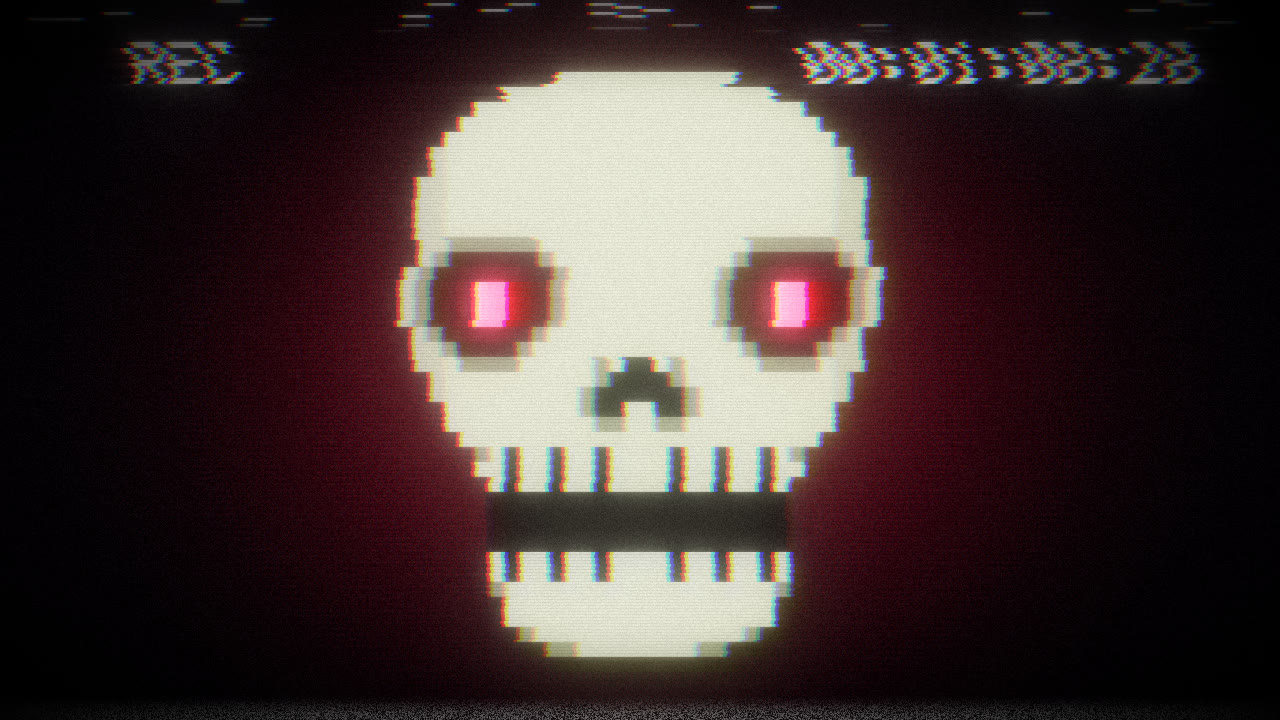
Creature Feature: a late-night horror broadcast, taped off the TV
On the beat
- Vampire The Count rises from his coffin on the drop.
- Ouija The planchette spells your sign text on the beat.
- Cauldron Every 16-bar phrase the steam rises as a ghost, or spells your sign text.
- Ghost Rain Every kick each sprite boos, and the banner reads SHHH in a breakdown and BOO! on the drop.
- Jack-o-Lantern Its eyes are bass meters that the kick fills to the brim.
- Spider Web A polar oscilloscope; the spider drops on its silk at the top of every bar.
Everything else is Glowfi: the same beat, filters, transitions, strip and keys.
Preparing
Next 02 MechaSpeed →