02 iPhone · iOS 18
An 80s JDM / mecha VFD dash for your iPhone.
GPS speed, G-force, heading, altitude and time, lit like a 300ZX cluster wired into a Gundam cockpit.
Preparing
CH 01
The cluster
Every label is kanji with furigana plus its English name.
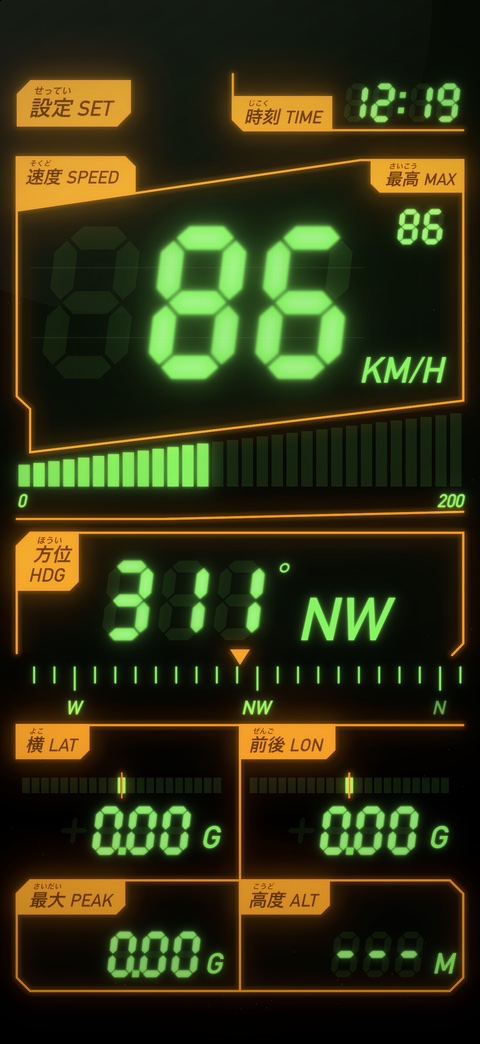
- SpeedBig seven-segment GPS speed in km/h or mph, over a 30-segment bar whose last fifth is the redline.
- MaxTop speed this drive. Double-tap to reset.
- HeadingDegrees and a cardinal name on a sliding compass tape, from GPS while moving and the compass when you stop.
- Lateral & long. GG-force in the car's frame on centre-zero bars, with the phone upright or flat.
- Peak GThe hardest combined G since launch. Double-tap to reset.
- AltitudeMetres or feet.
- TimeA 24-hour clock with a blinking colon.
- SettingsTap it for colours, glow, units and the app icon.
Everything is drawn like a real VFD tube: ghosted unlit segments, hot filament cores, the faint horizontal grid wires, a wire mesh over every lit element and a backlight bleed. The panel lines, label blocks and legends are bloomed together, so they glow as a single light source.
CH 02
Warning lamps
- GPS LINKWhile it's acquiring.
- NO GPSWhen the signal drops (tunnels, car parks).
- GPS OFFWhen location permission is off.
- WARNING - REMOVE MAGNETIC DEVICESFlashes only when iOS rates the compass as unreliable (MagSafe mounts, for example).
The screen stays on while the app is open.
CH 03
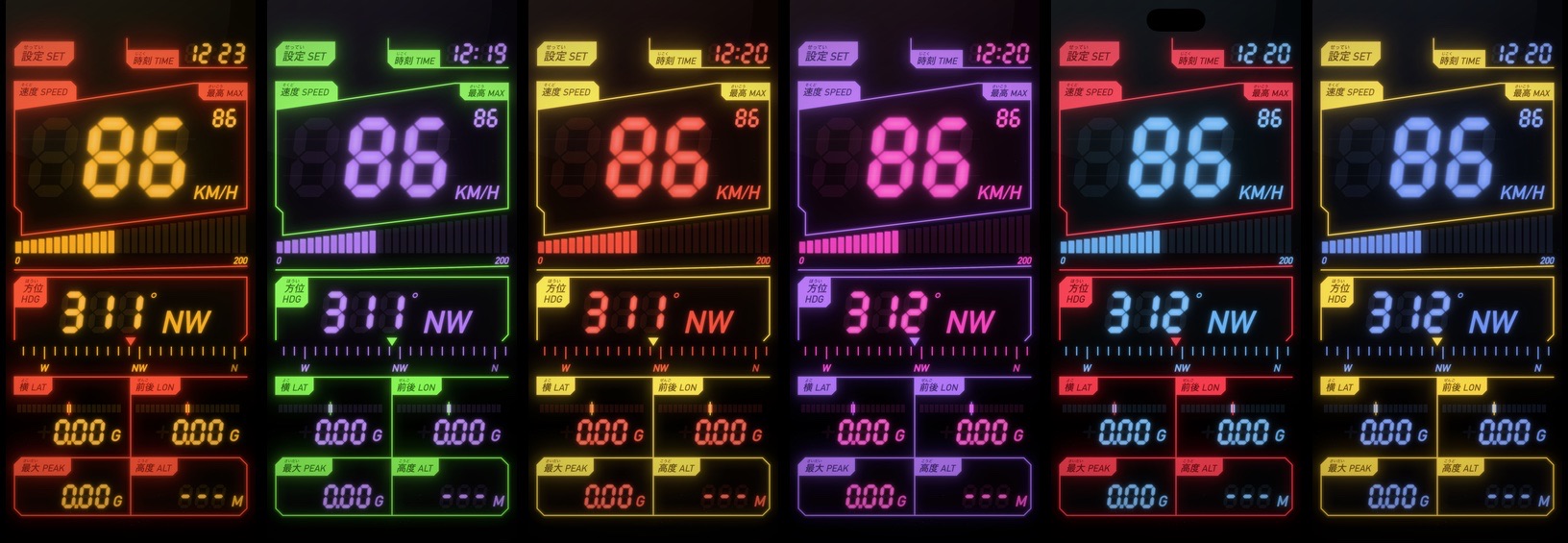
15 colour presets
Also in the app: 琥珀 AMBER VFD, ザクII ZAKU II and バルキリー VF-1 SKULL, plus your own (カスタム CUSTOM). Swipe the speed display sideways to cycle through them.
CH 04
Settings
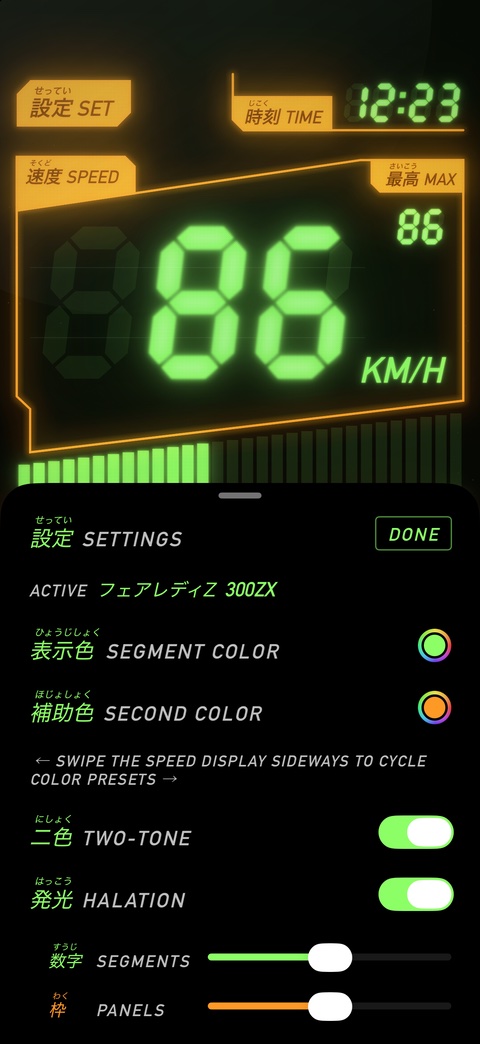
- Segment colour / second colour: your own two-tone colours. The first edit copies the current preset.
- Two-tone: turn it off to use one colour for everything.
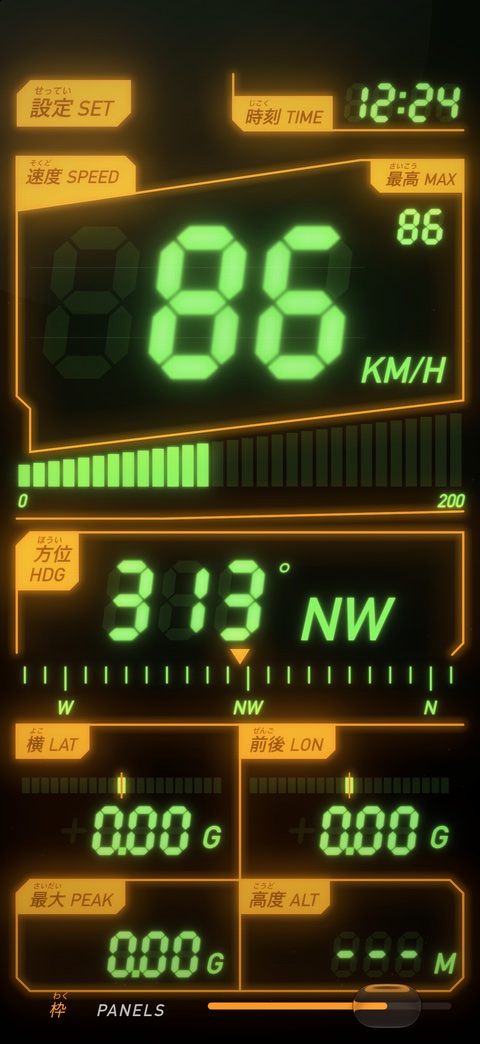
- Halation: glow on or off, with separate strength sliders for the segments and the panels.
- Backlight: how bright the unlit ghost segments are.
- Line weight: panel line thickness.
- Units: km/h with metres, or mph with feet (defaults to your region).
- Bar top speed: what a full bar graph means.
- Factory colours: back to the 300ZX preset.
- App icon: pick from the 16 icons below.
CH 05
16 icons
One for each preset, plus a 300ZX macro shot.
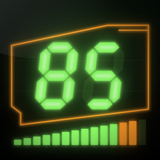 300ZX
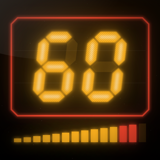 AMBER VFD
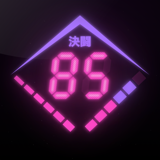 EPYON
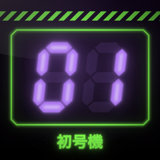 EVA-01
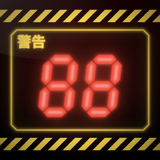 NERV
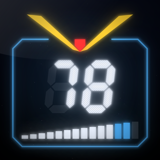 RX-78-2
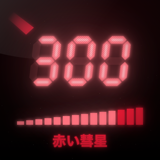 CHAR'S ZAKU
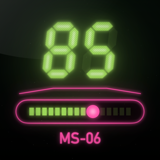 ZAKU II
 UNICORN
 VF-1 SKULL
 STRIKE FREEDOM
 AERIAL
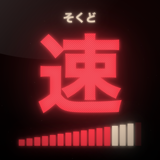 SAZABI
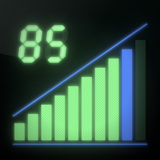 EXIA
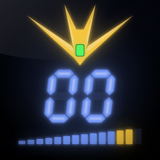 WING ZERO
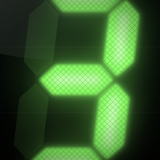 300ZX MACRO
Mount the phone and set it up before you drive.
Preparing
Speed comes from GPS, so treat it as an estimate rather than a calibrated instrument. A personal fan project: Gundam, Evangelion, Macross and Nissan names belong to their owners, and the presets are colour homages only.
Next 03 CRTBOX →